OtterPix Blog
Practical, privacy-first guides for working with images on your Mac. Every workflow here runs on-device — no uploads, no accounts.
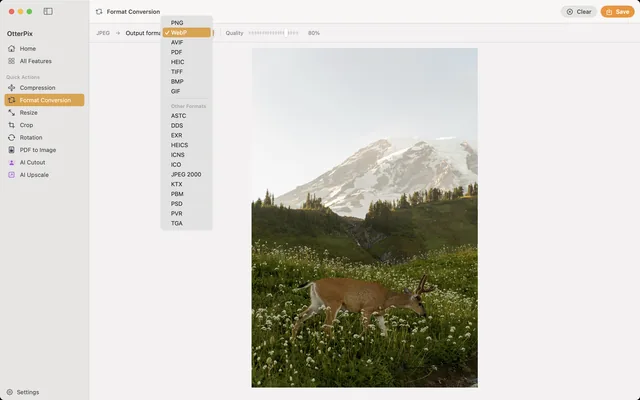
How to Convert HEIC to JPG on Mac (Free & Offline)
iPhone photos that won’t open elsewhere? Batch-convert HEIC to JPG on your Mac, offline.
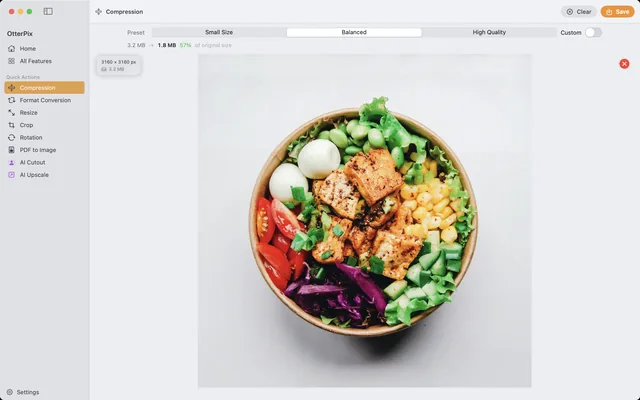
Compress Images on Mac Without Visible Quality Loss
Shrink photos for email, web or cloud — and see the new file size before you save.
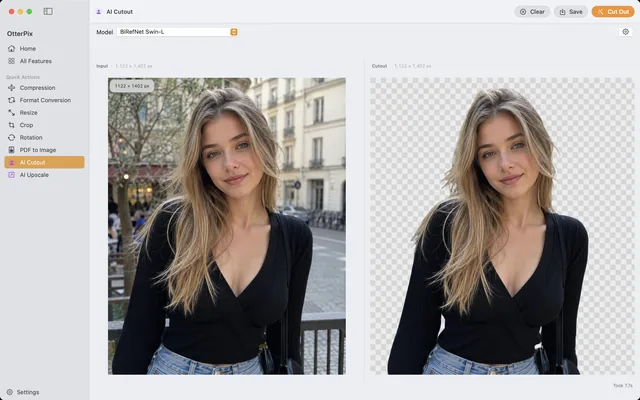
Remove Image Backgrounds on Mac — Local AI, No Uploads
Product shots and avatars on a clean transparent PNG — cut out on your Mac, no uploads.
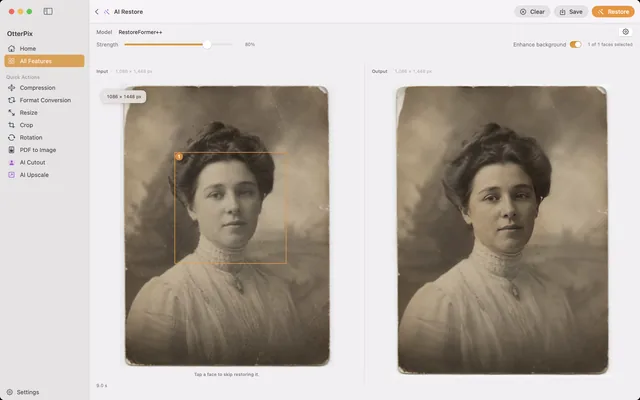
Restore Blurry Faces in Old Photos on Mac (AI Face Restore)
Soft, blurry faces in scanned family photos? Sharpen them on your Mac — nothing uploaded.
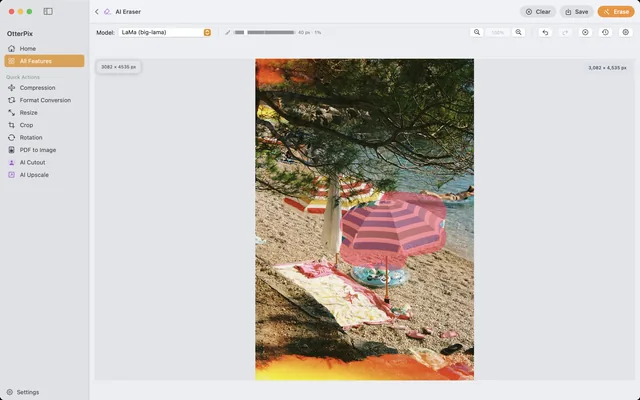
Remove Objects (and People) from Photos on Mac
Tourists, wires, trash cans — brush over them and AI fills the gap, right on your Mac.
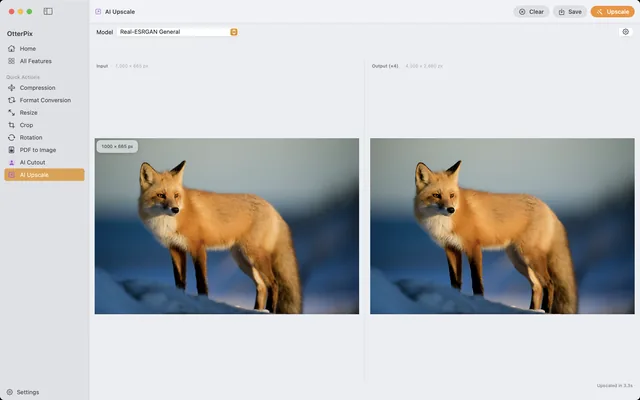
Upscale Images on Mac: 4× Larger with Local AI
Too small for print? Enlarge photos up to 4× with on-device AI — right on your Mac.
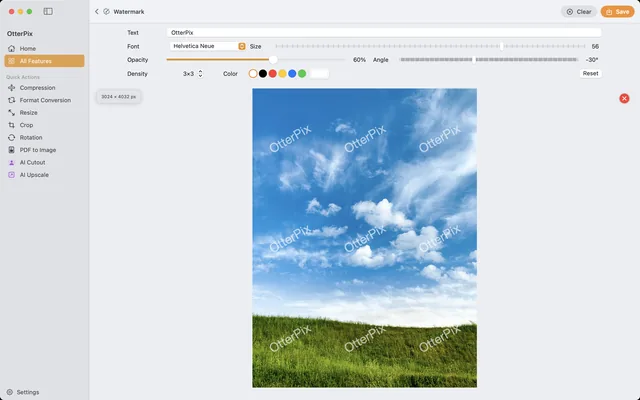
Batch Watermark Photos on Mac (Free Text Watermarks)
Put your name on every shot — watermark a whole folder at once, right on your Mac.
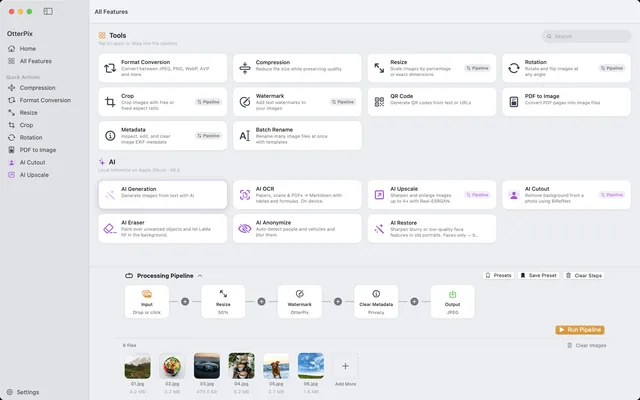
Batch Convert, Resize & Rename Images on Mac — One Click
One folder in, finished images out: chain resize, watermark, convert and rename once.
View & Remove EXIF Data on Mac (GPS Location Included)
Your photos know where you live. See the EXIF and GPS inside, then strip it — on your Mac.
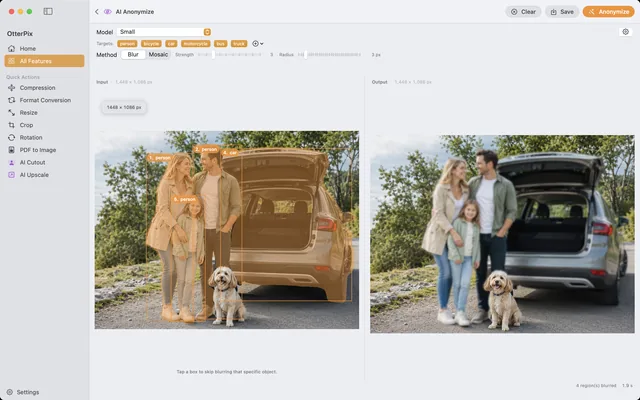
Blur Faces & License Plates in Photos on Mac, Automatically
Street or event photo? On-device AI finds people and vehicles — you pick who stays sharp.